AI Tool Tourism: When to Switch AI Tools?
AI tool tourism is chasing every new tool until your workflow breaks. 3 conditions show when a switch is worth it. Otherwise, breathe and keep what works.
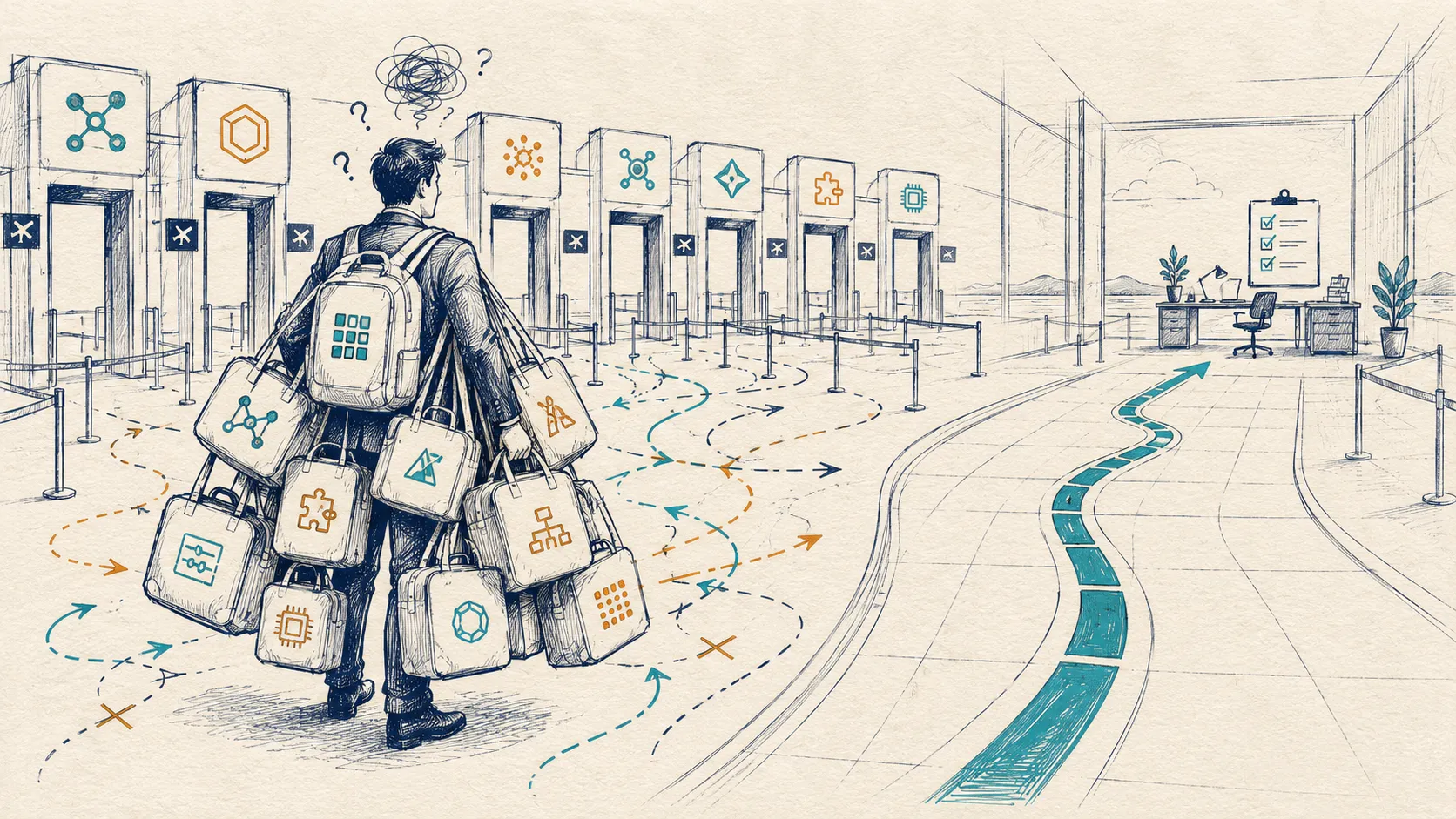
Short answer: switch AI tools only when your current system has a real pain, the new tool saves what the old one cannot, and your workflow does not break.
Too many cooks spoil the broth. Too many AI tools spoil the business.
Every week there is a new model, a new wrapper, a new agent, a new “you have to try this” thread. People move their whole workflow onto it, break the rhythm that was working, and do the same thing again 2 weeks later. That is AI tool tourism, and it is a dopamine loop, not a strategy.
Curiosity is good. It teaches you what is possible. The cost shows up when the exploring stops tracking any real problem in your work, and you start paying in time, money, and attention for tools you did not need.
When Is Exploring a New AI Tool Healthy?
I run 2 checks before I touch a new tool.
First: is my current workflow actually breaking, or am I just feeling left out? Most of the time there is no hiccup, only the itch. Second: is this a need or a want? Wants are a long list. You want memory, you want image generation, you want agents. But if you make 10 images a month, why would you rebuild your workflow around an image tool?
Here is what healthy looks like, from my own desk. I needed speech-to-text for meetings, and the online tools were charging me for something I wanted inside my own system. So I built my own. I used it for a long time, and now that a more efficient version exists, I am switching for daily use. That started from a real pain and improves an existing use. That is the whole test: pain first, then the tool.
Switching because a model shipped a new feature is a different animal. The early-adopter crowd exists for exactly this reason. Let them take the first hit, listen to what broke for them, and then decide. The technology adoption curve is well studied for a reason: the people who jump first pay the tuition. If you have money and time to burn, you are not under pressure, so go explore. If you do not, FOMO is not for you.
What Is the Real Cost of Tool Hopping?
People describe tool tourism as a money problem. Subscriptions stack up, trials convert, teams buy overlapping tools. All true. The bigger bill is cognitive load.
Every new tool asks your head to hold one more map. Where is the context? What does this tool know about me, and what does the other one know? Which tool do I use for this task, and what do I do when it breaks?
Think about learning to drive a car. Some people adapt in a few kilometers, some take longer. But ask either of them to push the car to high speed and control it on a bad road, and a shallow test drive will not save them. You learn a car by knowing one deeply: the brakes, the blind spots, the weird bits, how it behaves when the road turns bad. AI tools work the same way. The value of knowing one tool well is that you learn its bad bits and how to push it for your purpose. Tourists rarely get there. They know how to start many tools and how to drive none of them at speed.
What Do Too Many AI Tools Do to a Business?
Inside a company, every new AI tool adds an account, a context store, a data surface, a permission question, a training need, and a vendor dependency. That is AI sprawl sitting on top of the SaaS sprawl you already had. If every team adds its own assistant, summarizer, research tool, and agent platform, the company does not get intelligence. It gets context scattered across a dozen places where it can quietly disappear. Decide whether the work needs an agent, a fixed AI workflow or plain automation before the platform choice hardens.
This is the same confusion that makes companies overpay for the wrong AI in the first place, which I wrote about in the AI confusion tax.
Can a Better Feature Be a Worse Business Decision?
I watched a team buy an agentic tool for customer-service email. The first setup worked reasonably well. Then they switched to a newer tool, and sales dropped, because customers stopped getting the kind of input that supported conversion. Later, the original tool shipped a fix for the exact hiccup they had run from.
You think you are switching software. Often you are switching the customer’s experience, the team’s habits, the sales motion, and the operating memory built around that tool. Retention work holds up when it starts from a measured pain, which is what made the telecom churn project work. If the hiccup is real but not costly enough to justify the disruption, give the current tool time. The business is probably already shaped around it.
What Does a Sane AI Stack Look Like?
For my own work I keep to 3 main tools. A CLI tool of the day, plus a couple of conventional things like an email kit, is enough to do the job. A separate tool for content, another for video, another for everything else does not make sense to me. If I have to build it, I build one solution that does the lot rather than hopping across 5.
The reason is that fragmentation taxes your head. You should not have to remember that one tool understands one part of you and another holds the missing context. Specialization is worth it when volume justifies it. When the job is occasional, a specialized tool usually adds more friction than value. Knowing which tool to pull for which problem is a strategic skill, not a shopping habit.
When Should You Try or Switch an AI Tool?
Try or switch to a new AI tool only when all 3 of these are true:
- Your current system has a real pain. Something is expensive, slow, inaccurate, or blocking your work. Curiosity is not pain.
- The new tool saves time or money your current system cannot. Do the trade-off honestly. If the learning curve is steep, the time to get good at it can cost more than the work it saves. Often your current tool will fix the issue in its next upgrade, and waiting is cheaper than switching.
- The tool upgrades your workflow without breaking it. No major change to context, training, or operating rhythm. That is sensible adoption.
Before you commit money to any of this, it is worth running a tool through a few hard questions first, which I laid out in 6 questions to ask before buying an AI tool.
How Often Should a Team Review Its AI Tools?
Do not let every new launch become an internal fire drill. For a business I prefer a quarterly or half-yearly tool review. Given the pace of AI, quarterly is practical. Monthly tool-hopping is a complete no from me.
If curiosity needs a home, give it a 2-week exploration sprint: a clear problem, a small group, a concrete go or no-go at the end. The north star is one question. What hiccup are we facing right now, and does this tool solve it without creating a bigger one? And who you put on that sprint matters more than the tools, which is its own decision I cover in who should explore AI tools inside a business.
What to do this week
- List the AI tools you pay for or use.
- Next to each, write the pain it solves.
- Run any tool you are tempted by through the 3 conditions.
- Put a quarterly tool review in the calendar.
Many tools will come and go. What stays is your process, your workflow, your time, and the operating memory your team has built. Spend on that wisely, and do not become a tourist in your own productivity system. Which tool on your list solves a pain you can name?
Frequently asked questions
What is AI tool tourism?
Moving your workflow onto every new AI tool, breaking the rhythm that was working, and doing it again 2 weeks later. It is a loop of curiosity, not a strategy.
When should you switch to a new AI tool?
Only when your current system has a real pain, the new tool saves time or money the old one cannot, and it upgrades your workflow without breaking it. Test the tool first with the 6 questions to ask before buying.
What do too many AI tools cost a business?
Each tool adds an account, a context store, a permission question, a training need and a vendor dependency. The bigger cost is the extra load on people, who must hold one more map in their heads.
How often should a team review its AI tools?
Quarterly is practical. Monthly tool-hopping is too much. If curiosity needs a home, give it a 2-week sprint with a clear problem and a go or no-go. Choose the people first: who should explore AI tools.
Is this where your AI is leaking?
A 30-minute Clarity Call shows where the logic between your data and your decisions breaks. No pitch, no deck.

Business
Who Should Explore AI Tools Inside a Business?
Give AI tool exploration to people who learn fast and understand systems, not by job title, and make every trial leave a record. A simple operating rule.
Framework
Do You Need an AI Agent, an AI Workflow or Automation?
Most “I need an AI agent” requests need an AI workflow or plain automation. 3 questions show which, before you build the wrong one. Ask them separately.

Strategy
How Do You Detect Faulty Engines Using AI On Small Samples?
ECG-style anomaly detection flagged faulty engines in under 5 seconds by defining what normal looks like first, using 20 faulty examples in 1.3M units.
The Weekly AI Decision Brief